Basic state diagram example
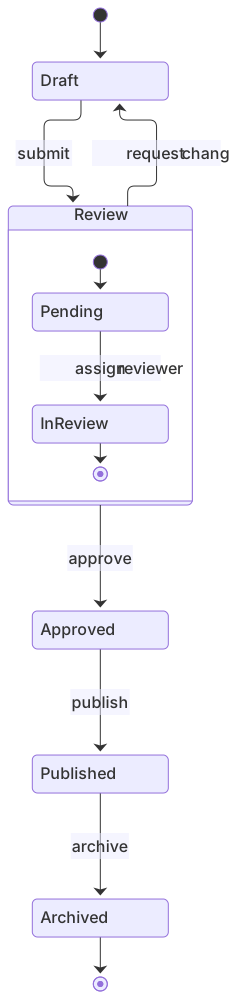
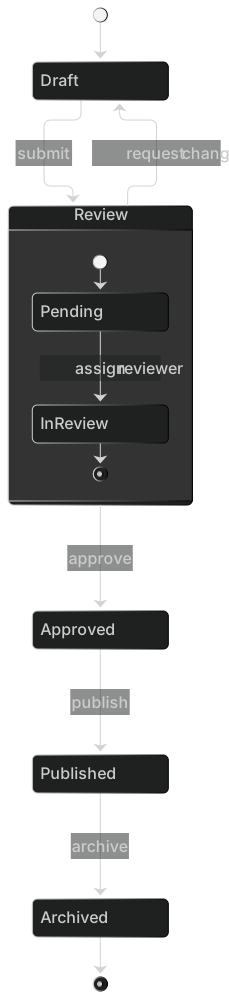
stateDiagram-v2
    [*] --> Draft
    Draft --> Review : submit
    Review --> Draft : request changes
    Review --> Approved : approve
    Approved --> Published : publish
    Published --> Archived : archive
    Archived --> [*]
    state Review {
      [*] --> Pending
      Pending --> InReview : assign reviewer
      InReview --> [*]
}State diagrams describe how something moves between states in response to events — an order going from pending to shipped, a UI component toggling between loading and error, or a connection reconnecting after a timeout.
Mermaid's stateDiagram-v2 supports start and end states, composite (nested) states, choice points, forks and joins, concurrency and notes, which covers almost every state machine you'll document in practice.
When to use a state diagram
- Order, ticket and subscription lifecycles
- Frontend component and form states
- Protocol and connection state machines
- Game logic and IoT device modes
State Diagram syntax reference
| Syntax | What it does |
|---|---|
stateDiagram-v2 | Start a state diagram (v2 renderer recommended). |
[*] --> A | Start state transition; A --> [*] is an end state. |
A --> B : event | Transition with an event label. |
state "Long name" as A | State with a descriptive name. |
state A { ... } | Composite (nested) state. |
state c <<choice>> | Choice pseudo-state for branching. |
state f <<fork>> / <<join>> | Fork and join for parallel paths. |
-- | Separator for concurrent regions inside a composite state. |
note right of A : text | Attach a note. |
direction LR | Lay out left to right. |
State Diagram examples
Choice point
A choice state branches on a condition.
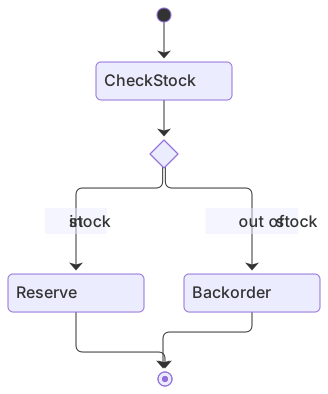
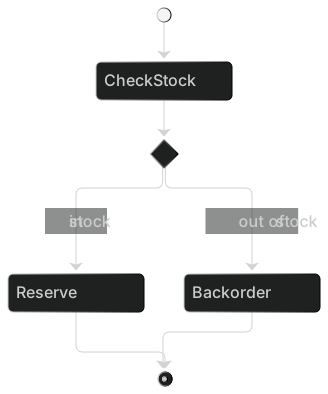
stateDiagram-v2
    [*] --> CheckStock
    state check <<choice>>
    CheckStock --> check
    check --> Reserve : in stock
    check --> Backorder : out of stock
    Reserve --> [*]
Backorder --> [*]Concurrent regions
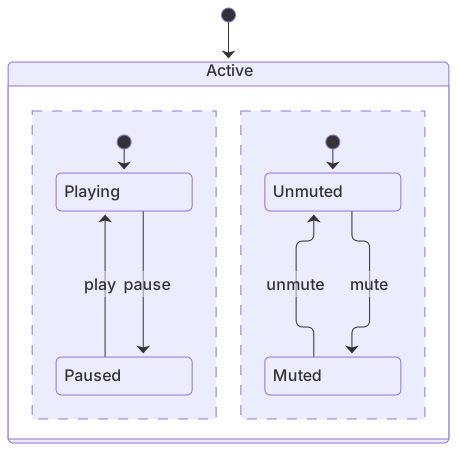
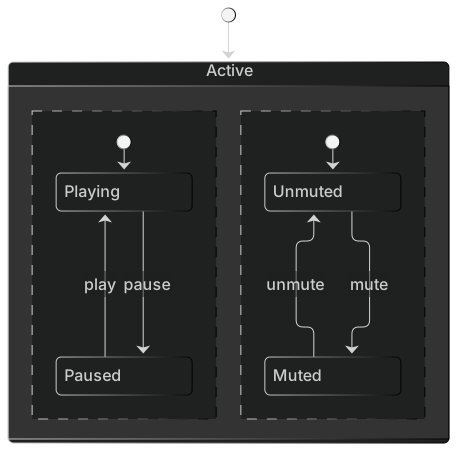
A media player tracks playback and volume independently.
stateDiagram-v2
    [*] --> Active
    state Active {
      [*] --> Playing
      Playing --> Paused : pause
      Paused --> Playing : play
      --
      [*] --> Unmuted
      Unmuted --> Muted : mute
      Muted --> Unmuted : unmute
}Tips and best practices
- Name states with nouns or adjectives (Pending, Active) and transitions with verbs or events (submit, timeout).
- Use composite states to hide detail; readers can zoom into a nested state only when they need to.
- Use stateDiagram-v2 rather than stateDiagram for better layout and styling support.
Generate a state diagram with AI
Not sure where to start? Describe what you need and the AI state diagram generator writes the Mermaid code for you. Try prompts like:
- “Subscription lifecycle with trial, active, past due and cancelled”
- “Traffic light controller”
- “Support ticket workflow”
State Diagram templates
State Diagram FAQ
What is the difference between stateDiagram and stateDiagram-v2?
stateDiagram-v2 uses the newer renderer with better layout, styling and composite-state support. The syntax is the same, so you can usually just add -v2.
How do I draw a start and end state?
Use [*]. [*] --> First marks the initial state and Last --> [*] marks a final state.
Can a state diagram show parallel states?
Yes. Inside a composite state, separate concurrent regions with a line containing only --, or use <<fork>> and <<join>> pseudo-states.