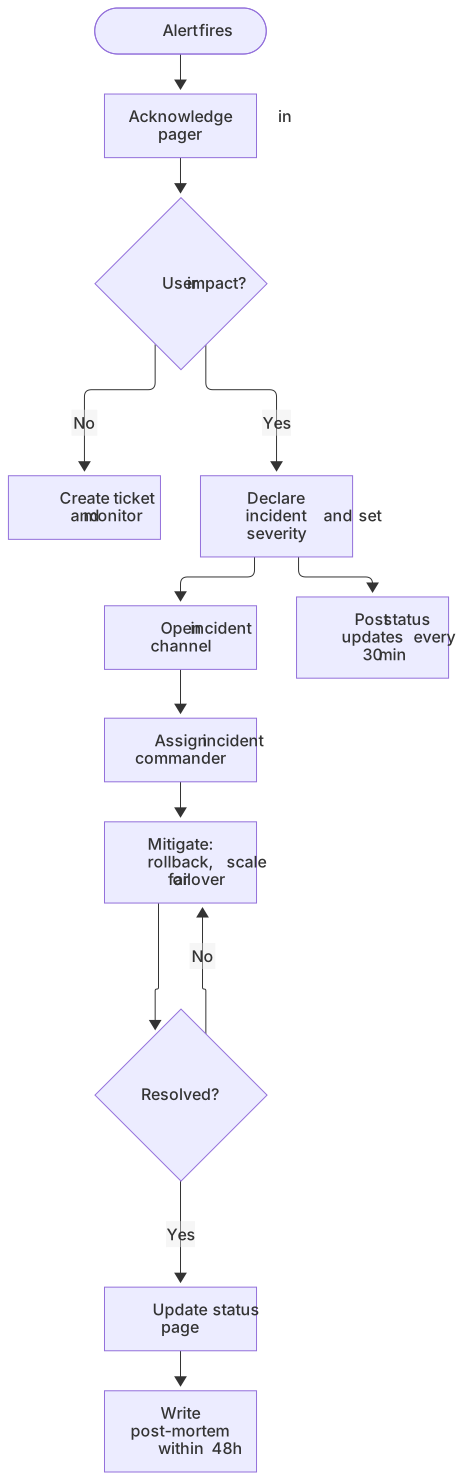
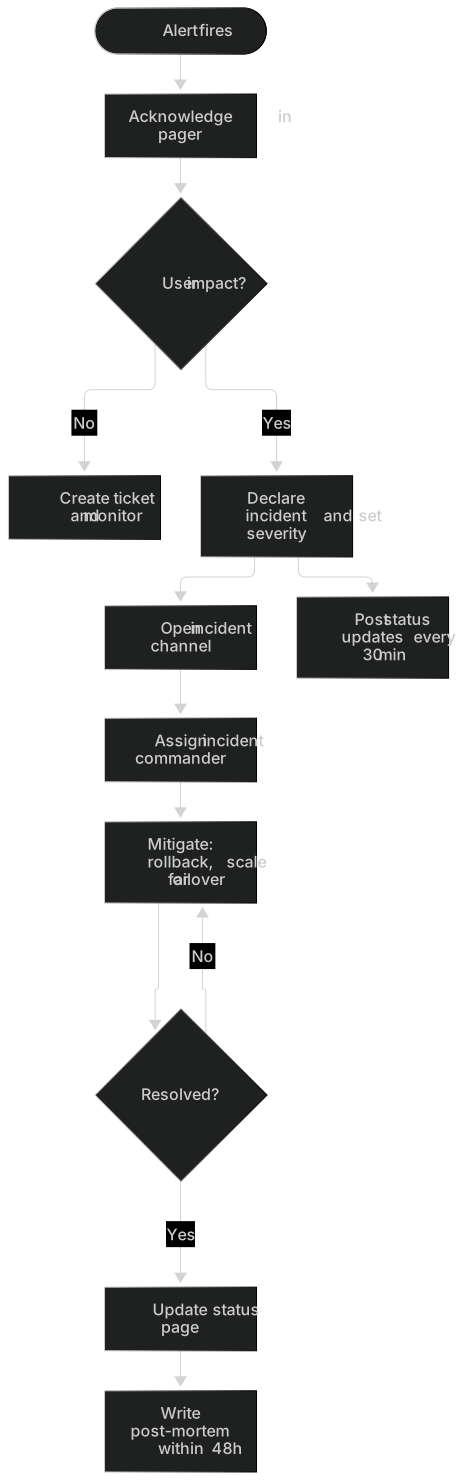
flowchart TD
    A([Alert fires]) --> B[Acknowledge in pager]
    B --> C{User impact?}
    C -- No --> D[Create ticket and monitor]
    C -- Yes --> E[Declare incident and set severity]
    E --> F[Open incident channel]
    F --> G[Assign incident commander]
    G --> H[Mitigate: rollback, scale or failover]
    H --> I{Resolved?}
    I -- No --> H
    I -- Yes --> J[Update status page]
    J --> K[Write post-mortem within 48h]
E --> L[Post status updates every 30 min]About this template
When production is down nobody wants to read paragraphs. This runbook flowchart walks on-call engineers through severity assessment, mitigation, stakeholder updates and the post-mortem.
How to customise it
- Add your status page and chat channels
- Define severity levels in labels
- Add an escalation path to leadership
This template is a Mermaid flowchart. See the flowchart page for the full syntax reference and more examples.
Frequently asked questions
How do I use this incident response runbook template?
Click "Use this template" to open it in the MermaidViewer editor. Edit the Mermaid code on the left and the diagram updates instantly. No account is needed.
Can I export the template as an image?
Yes. In the editor use Export to download PNG, SVG or PDF, or copy the image to your clipboard. You can also copy the code as a Markdown block for GitHub, GitLab or Notion.
Can AI customise this template for me?
Yes. Open the AI assistant (Ctrl/Cmd+K) and describe the change, for example "Add your status page and chat channels". The updated diagram streams into the editor.