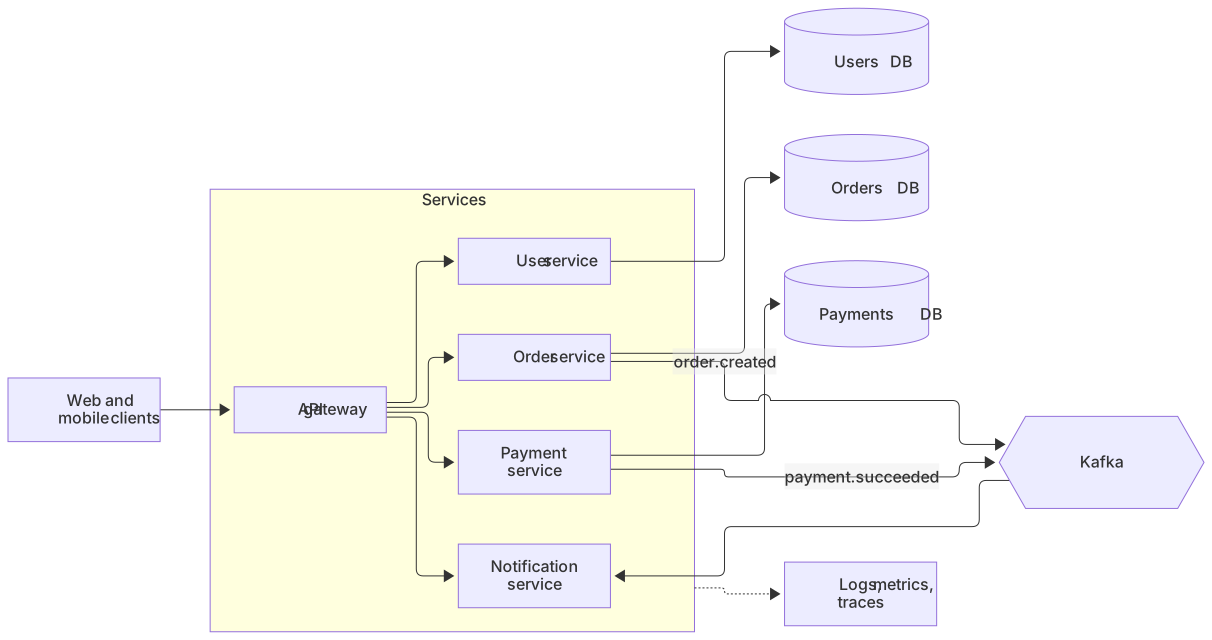
flowchart LR
    Client[Web and mobile clients] --> GW[API gateway]
    subgraph Services
      GW --> U[User service]
      GW --> O[Order service]
      GW --> P[Payment service]
      GW --> N[Notification service]
    end
    U --> UDB[(Users DB)]
    O --> ODB[(Orders DB)]
    P --> PDB[(Payments DB)]
    O -- order.created --> MQ{{Kafka}}
    P -- payment.succeeded --> MQ
    MQ --> N
Services -.-> OBS[Logs, metrics, traces]About this template
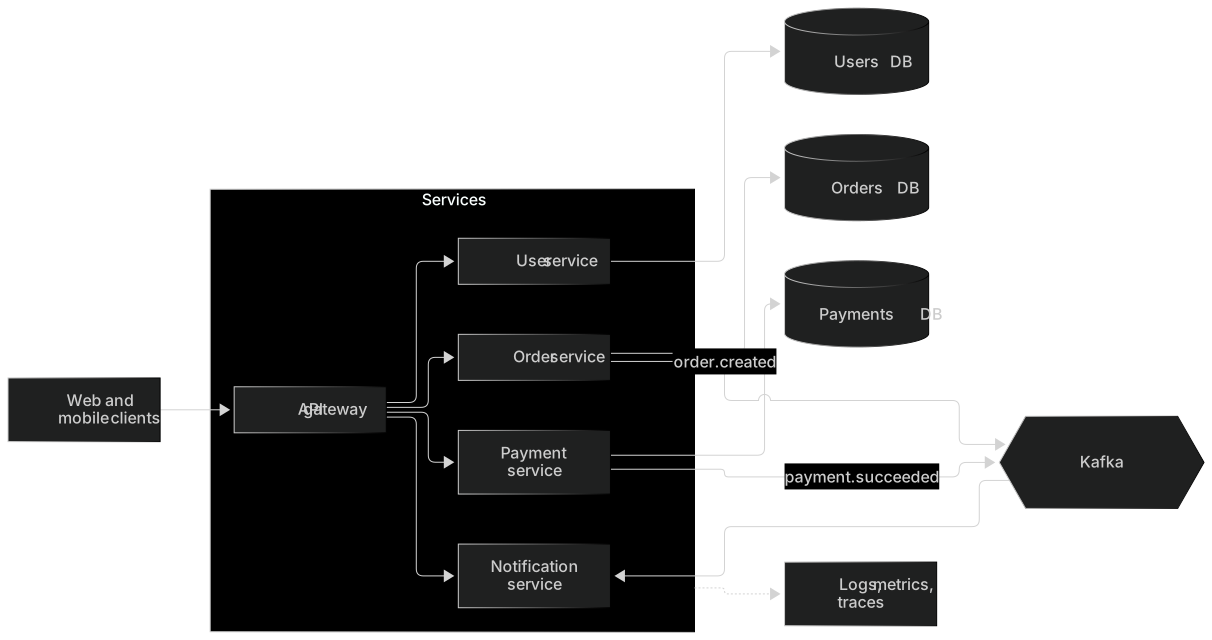
This template gives a clean overview of a typical microservices setup: clients calling an API gateway, independent services each owning their database, asynchronous communication through a message broker and shared observability. It's a good base for architecture docs and system design interviews.
How to customise it
- Swap Kafka for RabbitMQ, SQS or NATS
- Add a service mesh or cache layer
- Split services into subgraphs by team
This template is a Mermaid flowchart. See the flowchart page for the full syntax reference and more examples.
Frequently asked questions
How do I use this microservices architecture template?
Click "Use this template" to open it in the MermaidViewer editor. Edit the Mermaid code on the left and the diagram updates instantly. No account is needed.
Can I export the template as an image?
Yes. In the editor use Export to download PNG, SVG or PDF, or copy the image to your clipboard. You can also copy the code as a Markdown block for GitHub, GitLab or Notion.
Can AI customise this template for me?
Yes. Open the AI assistant (Ctrl/Cmd+K) and describe the change, for example "Swap Kafka for RabbitMQ, SQS or NATS". The updated diagram streams into the editor.