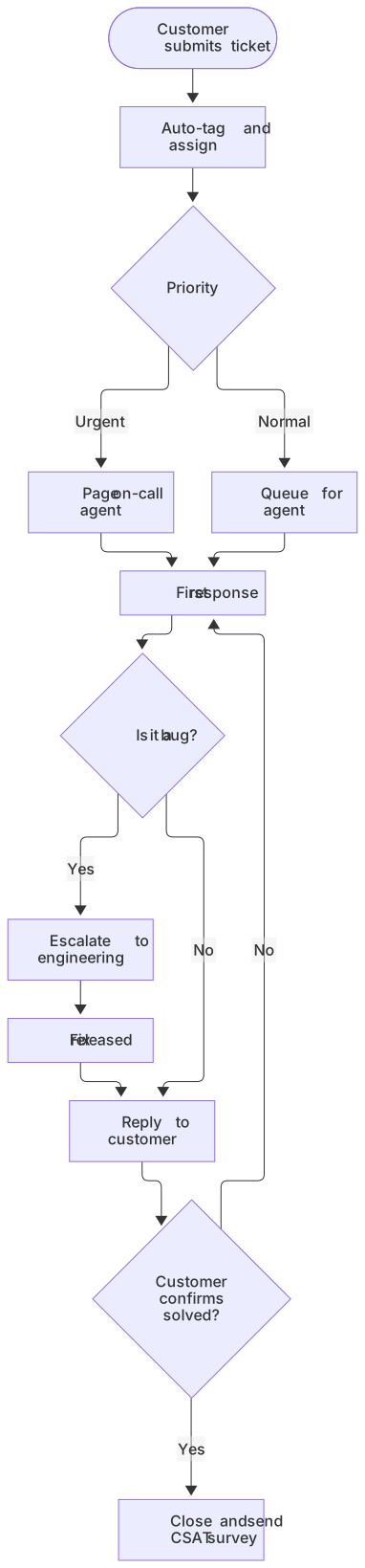
flowchart TD
    A([Customer submits ticket]) --> B[Auto-tag and assign]
    B --> C{Priority}
    C -- Urgent --> D[Page on-call agent]
    C -- Normal --> E[Queue for agent]
    D --> F[First response]
    E --> F
    F --> G{Is it a bug?}
    G -- Yes --> H[Escalate to engineering]
    H --> I[Fix released]
    I --> J[Reply to customer]
    G -- No --> J
    J --> K{Customer confirms solved?}
    K -- No --> F
K -- Yes --> L[Close and send CSAT survey]About this template
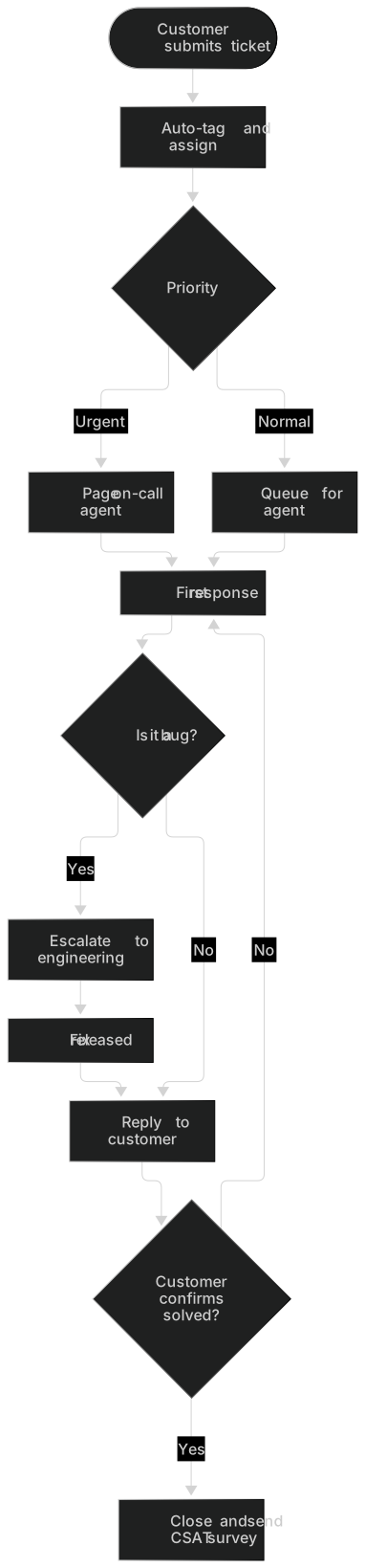
A practical process map for support teams. It covers triage by priority, first response, escalation to engineering for bugs, customer confirmation and satisfaction surveys — useful for training new agents and finding bottlenecks.
How to customise it
- Add your SLA times to labels
- Add a self-service help center branch
- Color nodes by team with classDef
This template is a Mermaid flowchart. See the flowchart page for the full syntax reference and more examples.
Frequently asked questions
How do I use this support ticket workflow template?
Click "Use this template" to open it in the MermaidViewer editor. Edit the Mermaid code on the left and the diagram updates instantly. No account is needed.
Can I export the template as an image?
Yes. In the editor use Export to download PNG, SVG or PDF, or copy the image to your clipboard. You can also copy the code as a Markdown block for GitHub, GitLab or Notion.
Can AI customise this template for me?
Yes. Open the AI assistant (Ctrl/Cmd+K) and describe the change, for example "Add your SLA times to labels". The updated diagram streams into the editor.