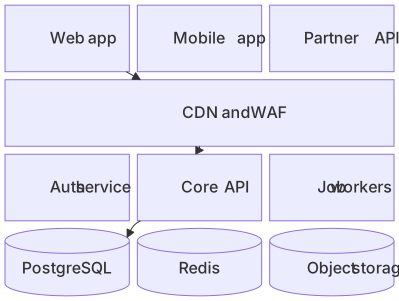
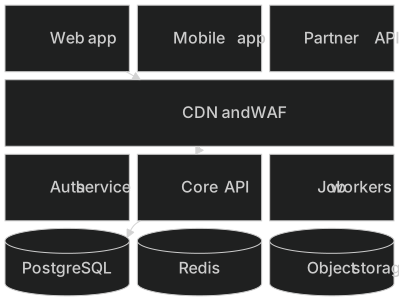
block
    columns 3
    web["Web app"] mobile["Mobile app"] partner["Partner API"]
    cdn["CDN and WAF"]:3
    auth["Auth service"] core["Core API"] jobs["Job workers"]
    pg[("PostgreSQL")] redis[("Redis")] s3[("Object storage")]
    web --> cdn
    cdn --> core
core --> pgAbout this template
When you need control over layout, a block diagram beats automatic layouts. This template stacks clients, the edge, application services and data stores in clear rows.
How to customise it
- Change the number of columns
- Add more services per row
- Add arrows for important data flows
This template is a Mermaid block diagram. See the block diagram page for the full syntax reference and more examples.
Frequently asked questions
How do I use this system layers block diagram template?
Click "Use this template" to open it in the MermaidViewer editor. Edit the Mermaid code on the left and the diagram updates instantly. No account is needed.
Can I export the template as an image?
Yes. In the editor use Export to download PNG, SVG or PDF, or copy the image to your clipboard. You can also copy the code as a Markdown block for GitHub, GitLab or Notion.
Can AI customise this template for me?
Yes. Open the AI assistant (Ctrl/Cmd+K) and describe the change, for example "Change the number of columns". The updated diagram streams into the editor.