Basic c4 diagram example
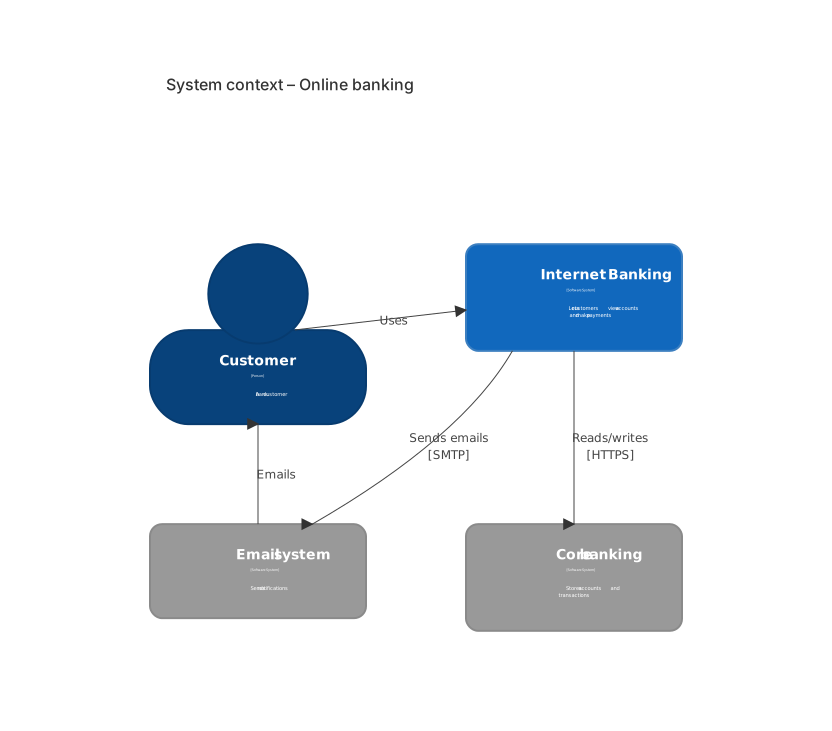
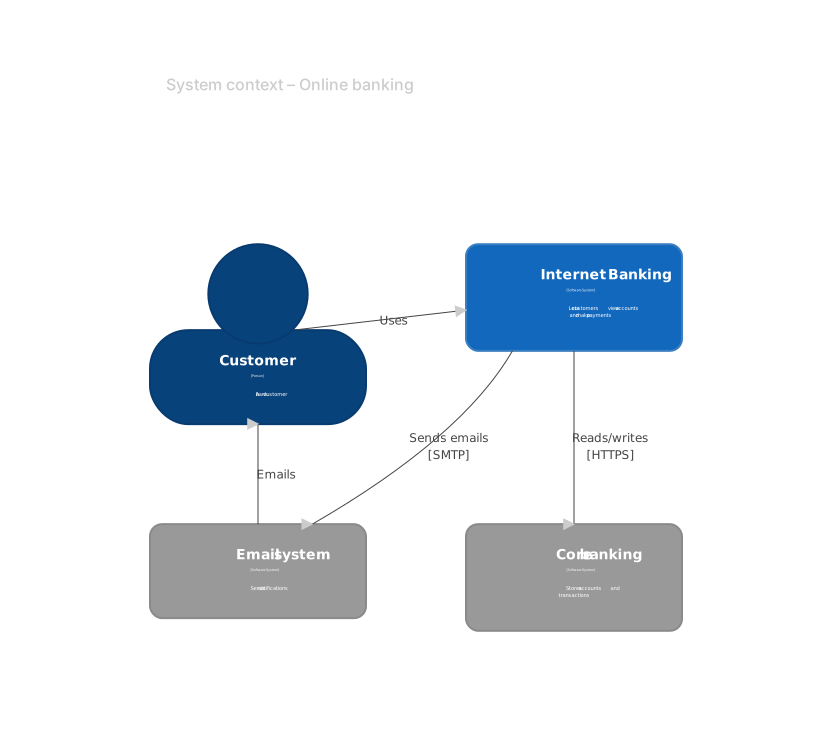
C4Context
    title System context – Online banking
    Person(customer, "Customer", "A bank customer")
    System(bank, "Internet Banking", "Lets customers view accounts and make payments")
    System_Ext(mail, "Email system", "Sends notifications")
    System_Ext(core, "Core banking", "Stores accounts and transactions")
    Rel(customer, bank, "Uses")
    Rel(bank, core, "Reads/writes", "HTTPS")
    Rel(bank, mail, "Sends emails", "SMTP")
Rel(mail, customer, "Emails")The C4 model describes software architecture at four zoom levels: system context, containers, components and code. Mermaid supports C4 context, container, component, dynamic and deployment diagrams with a syntax compatible with C4-PlantUML.
C4 diagrams answer questions like who uses the system, which applications and databases it consists of, and how they communicate — ideal for architecture decision records and onboarding docs.
When to use a c4 diagram
- System context for stakeholders
- Container diagrams for engineering onboarding
- Architecture decision records (ADRs)
- Security and compliance reviews
C4 Diagram syntax reference
| Syntax | What it does |
|---|---|
C4Context / C4Container / C4Component / C4Dynamic / C4Deployment | Pick the C4 diagram level. |
Person(alias, "Label", "Description") | A user or role. |
System(alias, …) / System_Ext(alias, …) | Internal / external software system. |
Container(alias, "Label", "Tech", "Description") | An application or data store. |
ContainerDb(alias, …) | Database container. |
System_Boundary(alias, "Label") { … } | Group elements in a boundary. |
Rel(from, to, "Label", "Tech") | Relationship between elements. |
C4 Diagram examples
Container diagram
Zoom into a system to show its applications and data stores.
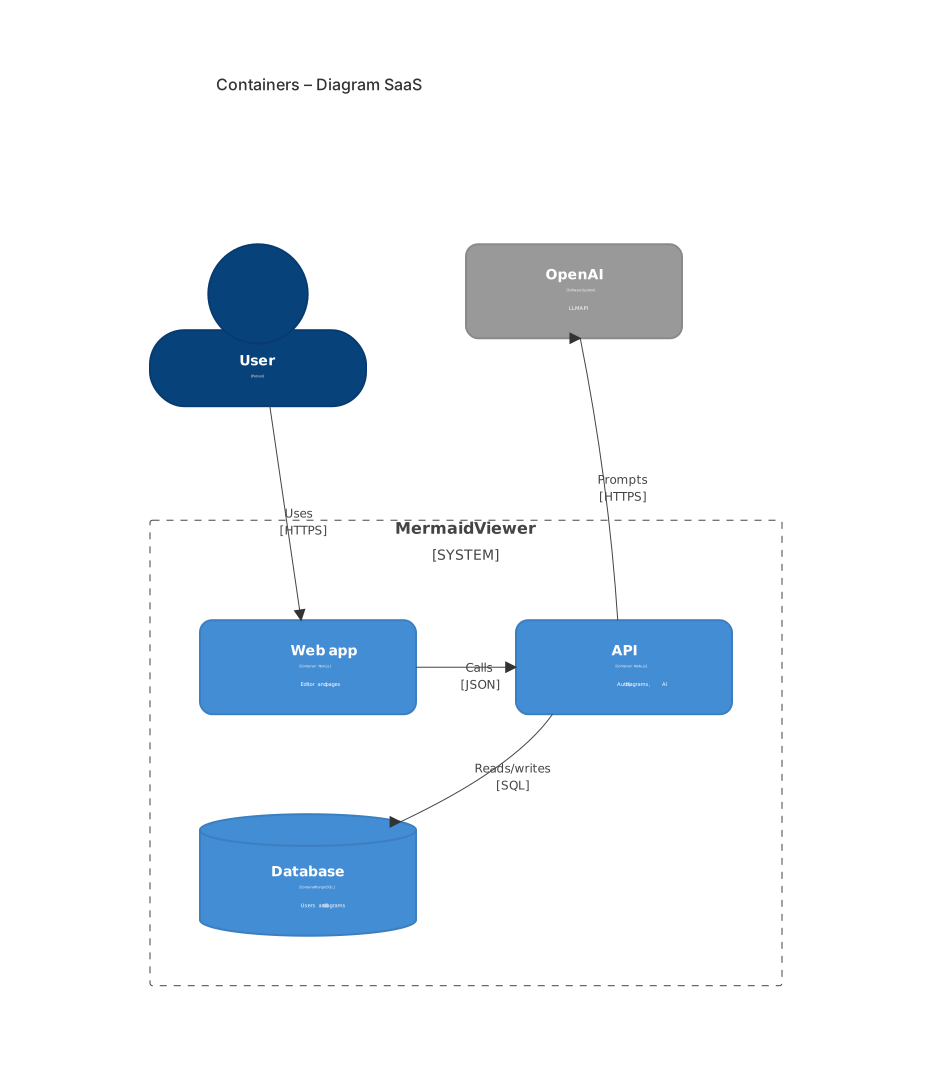
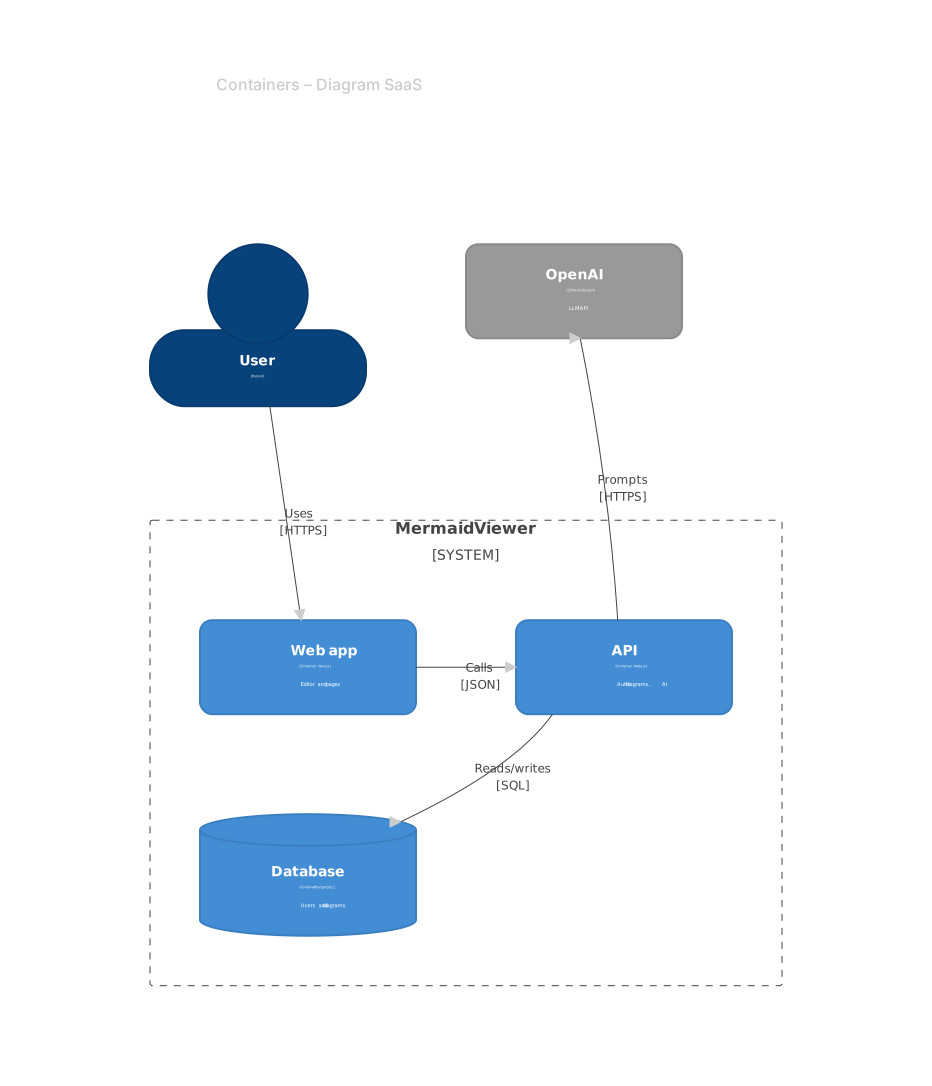
C4Container
    title Containers – Diagram SaaS
    Person(user, "User")
    System_Boundary(app, "MermaidViewer") {
      Container(web, "Web app", "Next.js", "Editor and pages")
      Container(api, "API", "Node.js", "Auth, diagrams, AI")
      ContainerDb(db, "Database", "PostgreSQL", "Users and diagrams")
    }
    System_Ext(ai, "OpenAI", "LLM API")
    Rel(user, web, "Uses", "HTTPS")
    Rel(web, api, "Calls", "JSON")
    Rel(api, db, "Reads/writes", "SQL")
Rel(api, ai, "Prompts", "HTTPS")Tips and best practices
- Start at the context level and only zoom in where readers need more detail.
- Always include the technology on containers and relationships — it's the most useful information for engineers.
- If the automatic layout gets crowded, consider an architecture-beta or flowchart diagram instead.
Generate a c4 diagram with AI
Not sure where to start? Describe what you need and the AI c4 diagram generator writes the Mermaid code for you. Try prompts like:
- “Container diagram for a food delivery platform”
- “System context for a hospital records system”
- “Microservices e-commerce architecture”
C4 Diagram templates
C4 Diagram FAQ
Is Mermaid C4 compatible with C4-PlantUML?
The syntax is largely compatible with C4-PlantUML macros such as Person, System, Container and Rel, so many diagrams can be ported with small changes.
Which C4 levels does Mermaid support?
System context (C4Context), container (C4Container), component (C4Component), dynamic (C4Dynamic) and deployment (C4Deployment) diagrams.