AI sequence diagram generator
AI sequence diagram generator for participants, calls and replies. Describe the flow, get Mermaid you can edit.
By MermaidViewer editorsPublished Updated
Example prompts for a sequence diagram
- “OAuth 2.0 authorization code flow with PKCE”
- “Checkout with payment provider webhook confirmation”
- “Chat message delivery with read receipts”
What a Mermaid sequence diagram looks like
Example sequence diagram
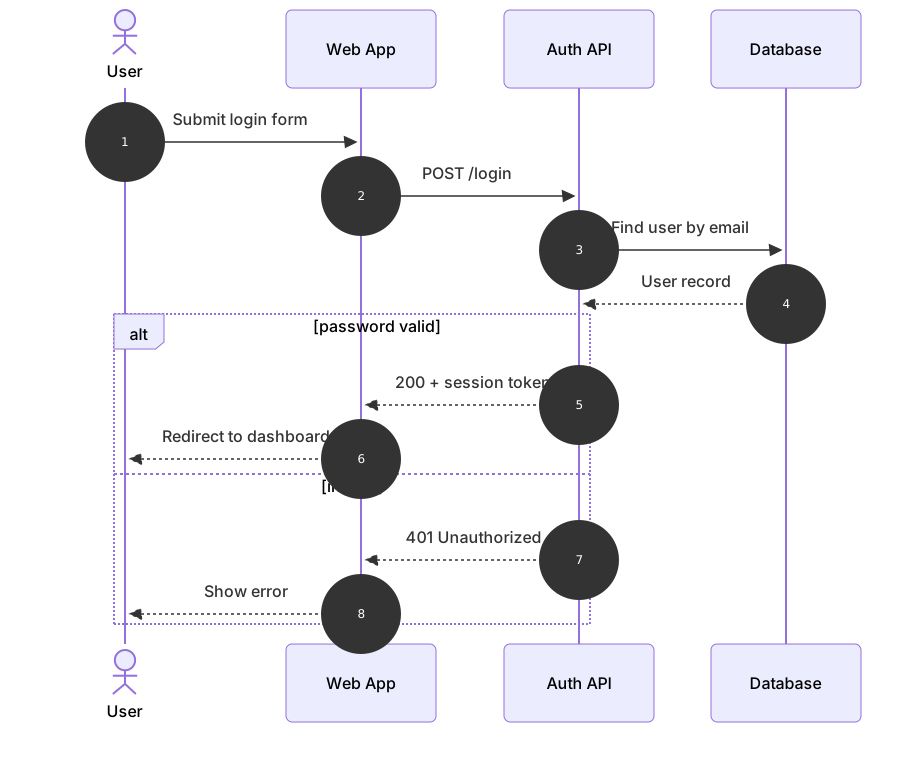
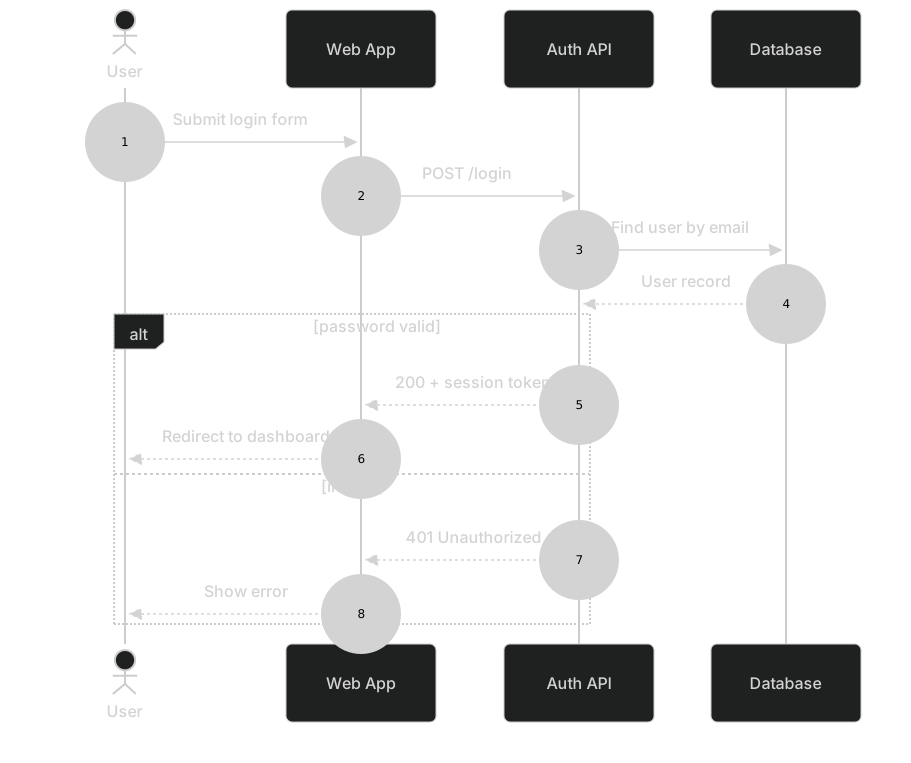
sequenceDiagram
    autonumber
    actor U as User
    participant W as Web App
    participant A as Auth API
    participant D as Database
    U->>W: Submit login form
    W->>A: POST /login
    A->>D: Find user by email
    D-->>A: User record
    alt password valid
        A-->>W: 200 + session token
        W-->>U: Redirect to dashboard
    else invalid
        A-->>W: 401 Unauthorized
        W-->>U: Show error
endWant to write it by hand? See the full Mermaid sequence diagram syntax and examples, or browse templates.
Message order is the whole picture, which is why an ai sequence diagram generator helps only when you name who speaks first. A scheduler that texts a patient, an app that holds a meeting room, a scanner that asks inventory for a bin count: each one is a cast list plus a stack of calls. The widget above writes the Mermaid. What follows is how to brief it so the arrows run the right direction, and how to repair the drafts that look busy and still get the protocol wrong.
Calls it tends to draw correctly
Participants in a stated order usually survive. If you list "scanner, pick service, inventory" the lifelines come out left to right in that order. Solid arrows for a request and dashed arrows for a reply show up when you say "asks" and "replies." A single alt block appears when you describe two outcomes with the words success and failure. A short loop appears when you give a bound, such as "retry twice" or "poll every five seconds until the tablet acks."
Activations are less reliable, but a prompt that says "the API stays busy until the calendar answers" often produces the + and - marks. Notes land in a sensible place when you attach them to a moment ("note on the API: hold expires after 90 seconds") instead of asking for a caption under the whole diagram. Grouping with box works when you say "these two live in the clinic network."
The sequence diagram reference is the checklist after a generation: participant aliases, ->> versus -->>, alt / else, loop, and notes. Read the arrows as a script. If you cannot read them aloud in time order, the draft is not done.
Failures that are specific to lifelines
The model likes to start the story from the database. You asked for a scanner talking to a service, and the first arrow leaves the inventory table. That is a flowchart habit leaking into a time diagram. Another leak is flowchart arrow syntax, -->, which sequence diagrams reject. The preview goes blank and the error sits on line one of the first message.
Actor order gets reversed when the prompt says "between the phone and the gateway" without saying who is on the left. The patient ends up calling the SMS vendor directly. Notes repeat the arrow text, so the diagram is twice as tall and no clearer. An activation opens with + and never closes, and later messages stack bars until the render looks like a barcode.
autonumber on a diagram that mixes real calls with comments numbers the comments too, and reviewers argue about message 7 when message 7 is a note. box blocks that forget end swallow the next participant. None of these are subtle. They are the ones to look for before you trust the picture in a design review.
Nouns a sequence prompt has to carry
Write the prompt like a call list, not like a story with mood.
- Participants, left to right, with the names you want on the diagram.
- Who sends the first message.
- Each request as a short verb phrase, and the reply that comes back.
- Which replies are async or dashed, if that difference matters.
- The failure as its own branch, with the condition in a few words.
- Any loop, including the maximum times it runs.
- A note only when a timer or a header would be invisible on the arrow.
Skip "professional" and "detailed." If you need PKCE, name the code challenge and the token endpoint. The OAuth 2.0 sequence template already has that cast: user, client, authorization server, API. Generate a new diagram when the protocol is yours. Open the template when you are explaining authorization code with PKCE and only the vendor name should change.
The prompt guide shows the editor actions. On sequence diagrams, "keep participant order" and "use alt for the failure" do more than a long scene description.
Example prompts
- Sequence diagram of a clinic reminder. Participants left to right: Scheduler, SMS gateway, Patient phone. Scheduler asks the gateway to send a reminder. Gateway replies with accepted, then the phone delivers or returns a hard bounce. Use alt: delivered versus hard bounce. On a bounce, Scheduler marks the appointment unconfirmed. Do not add a database lifeline.
- Sequence diagram for a desk booking. Participants: Employee app, Booking API, Calendar, Room tablet. The app asks the API to hold a room for 90 seconds. The API creates a tentative event and returns a hold id. Alt: the employee confirms, and the API marks the event busy and tells the tablet; or the hold times out, and the API drops the tentative event and tells the app the room was released.
- Sequence diagram of a warehouse short pick. Participants: Scanner, Pick service, Inventory. Scanner sends the bin barcode and the quantity requested. Inventory replies with the on-hand count. Alt: count is enough, Pick service confirms the line; count is short, Pick service splits the line and Scanner shows the remaining quantity. Loop at most once for a second bin. The scanner starts the conversation.
What a clean generation looks like
The desk booking below is the shape you want: order fixed, one alt, replies dashed, no extra lifeline for a logger nobody asked about.
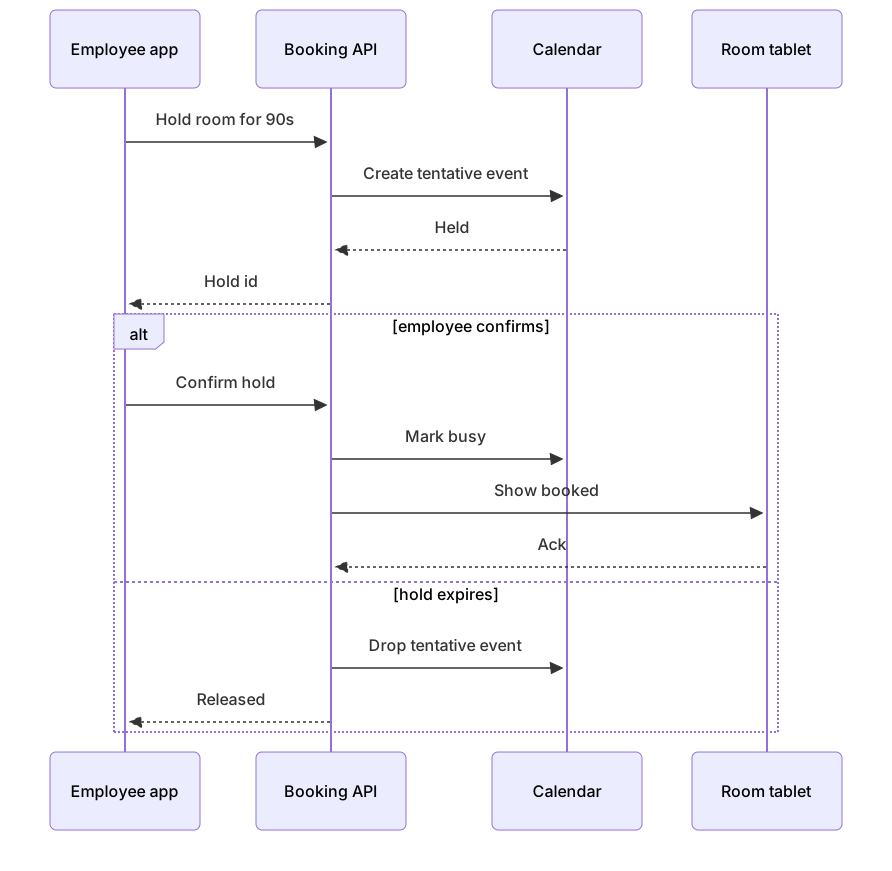
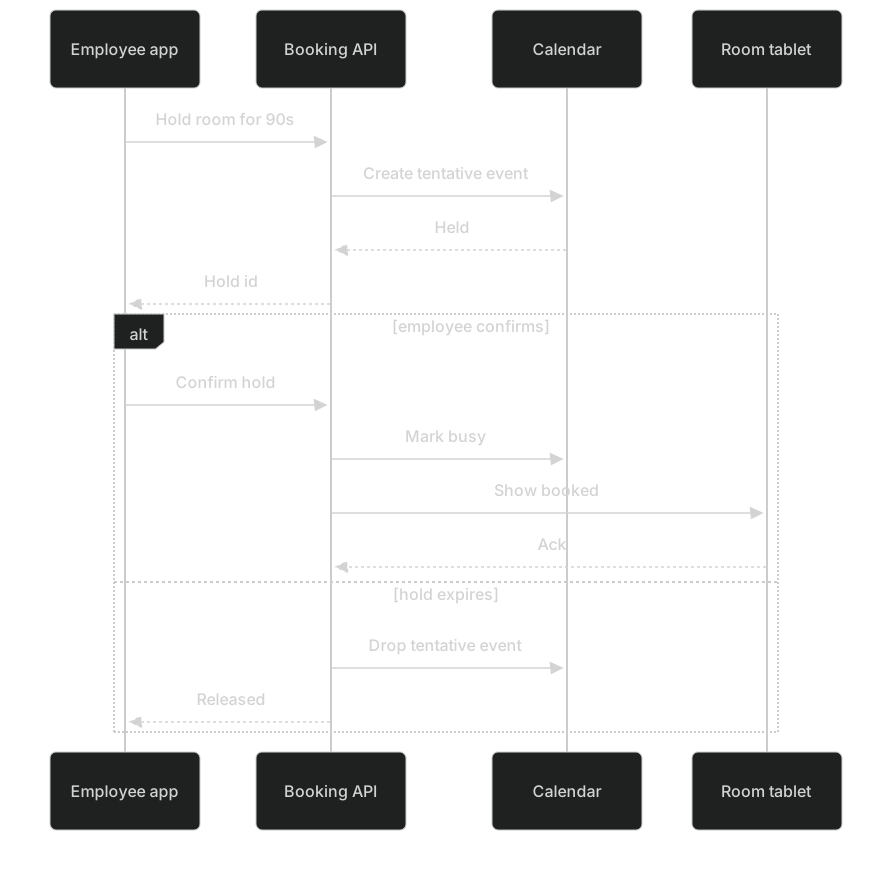
sequenceDiagram
    participant App as Employee app
    participant API as Booking API
    participant Cal as Calendar
    participant Tab as Room tablet
    App->>API: Hold room for 90s
    API->>Cal: Create tentative event
    Cal-->>API: Held
    API-->>App: Hold id
    alt employee confirms
        App->>API: Confirm hold
        API->>Cal: Mark busy
        API->>Tab: Show booked
        Tab-->>API: Ack
    else hold expires
        API->>Cal: Drop tentative event
        API-->>App: Released
endPaste that into the editor if the timeout should also ping the employee by email. Add the mail system as a participant only if someone in the review will ask who sends that mail. Otherwise keep it off the diagram.
Repairing a bad generation
Use an AI edit when the cast or the branch is wrong and the sentences are easier than the syntax. "Put Scanner on the left. Delete the database lifeline. Make the short-pick path an else branch, and reply to Scanner with the remaining quantity." That is one generation, and it fixes a structural mess. Use it when several arrows point the wrong way and you would otherwise rewrite the block.
Edit by hand when the diagram almost parses. Change --> to ->>. Add the missing end under an alt. Swap a solid reply to -->> so a return looks like a return. Rename a participant alias without renaming the messages, or the arrows dangle. Hand editing stays free, so a one-character arrow fix should not cost a generation.
If the parse error points at a note, the colon inside the note text is usually the problem. Shorten the note to a single clause. If activations look stuck open, delete the + and - marks and let the arrows stand alone. You can add bars back once the order is right. The editor preview is enough to check that. You do not need a model to notice a missing end.
Quota, and what stays free
Five AI uses are all the free tier includes, in total. They are tied to the account, the IP address, and a device cookie, and tomorrow does not grant five more. A sequence with an alt and a loop often needs a second pass because the first pass draws the happy path only. Plan on that second pass, then stop. Arrow polish is a hand edit.
Pricing is where the paid plans sit. Starter is $6.99 a month with 500 AI conversations included. Pro is $11.99 a month with unlimited AI under fair use, which covers a normal work week of diagrams and blocks automated hammering. After the free five, you can still open any sequence in the editor and change it by hand at no charge. Export stays available too.
When the question is a branch in a business process rather than a timed conversation, switch types from the AI diagram generator hub. A flowchart will not keep the SMS gateway and the phone in order. A sequence will. Pick this generator when a reader must see who sent what, and what came back.
Frequently asked questions
How do I generate a sequence diagram with AI?
Describe the sequence diagram you need in the box above and click Generate. The AI writes valid Mermaid sequence diagram code that renders instantly, and you can open it in the editor to refine it.
Is the AI sequence diagram generator free?
You can try it free: 5 AI generations in total, not per day, with no sign-up. Starter includes 500 AI conversations a month and Pro is unlimited. Manual editing stays available, and every plan can still download a PNG. JPG, SVG and PDF are on Pro.
Can I edit the generated sequence diagram?
Absolutely. The output is plain Mermaid code — edit it by hand in the live editor, or ask the AI for changes in natural language.